Kesintisiz güç kaynağı seçerken Online UPS ve Line Interactive UPS teknolojileri arasındaki farkları bilmek, cihazlarınızı elektrik kesintisi ve voltaj dalgalanmalarına karşı doğru şekilde korumanızı sağlar.
Online UPS ve Line Interactive UPS Arasındaki Farklar Nelerdir? Hangi UPS Daha İyi?
24 Haziran
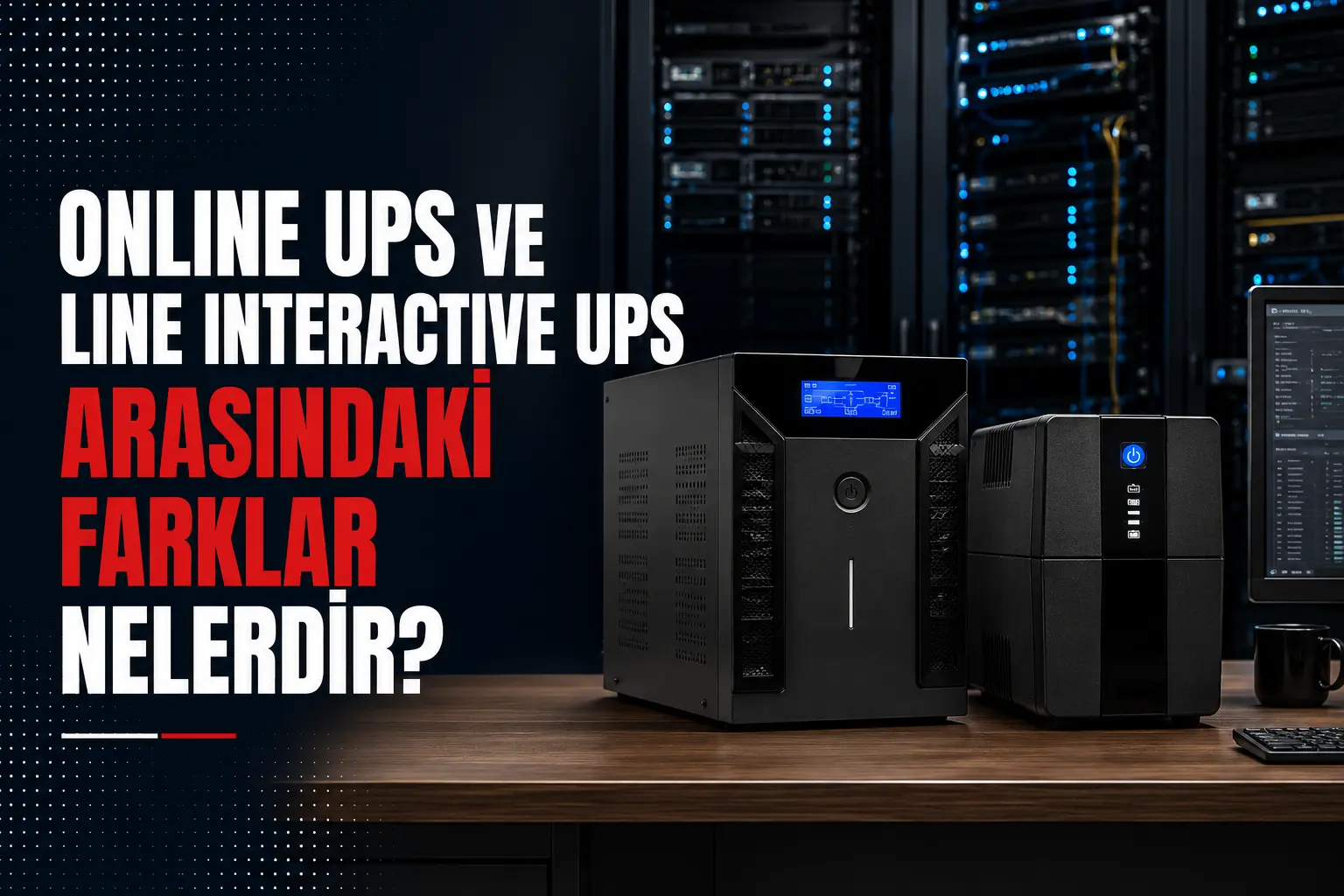
Online UPS vs Line-Interactive UPS: What Are the Differences and Which One Should You Buy?
The main difference between an online UPS and a line-interactive UPS is how connected equipment is powered during normal mains operation and how the system responds to an outage. An online UPS uses a double-conversion design that continuously supplies the load through its inverter, providing zero transfer time and more comprehensive power conditioning. A line-interactive UPS normally supplies the load from regulated utility power and switches to its battery and inverter after a short transfer time when the mains fails.
Both technologies can protect computers and electronic equipment when the correct capacity and output waveform are selected. However, for an expensive gaming PC, professional streaming setup, server, sensitive audio/video system or a site with poor power quality, an online UPS is generally the safer option because it offers a higher level of protection.
To determine the right UPS for your PC power supply, graphics card, monitors and other equipment, call Elsipower on +90 212 210 75 51 or send your complete equipment list to elsi@elsi.com.tr.
What Is an Online UPS?
An online UPS is a double-conversion uninterruptible power supply that converts incoming AC power to DC and then uses an inverter to convert it back to AC. During normal operation, the connected equipment is already supplied from the inverter. When utility power fails, no separate transfer to another output path is required: the batteries feed the DC bus and the inverter continues supplying the load.
This design creates a continuous power-electronic layer between the mains and sensitive equipment. A properly designed online UPS can provide more comprehensive protection than a line-interactive system against undervoltage, overvoltage, frequency variation, electrical noise and waveform distortion.
Important online UPS features
- Zero transfer time when battery power is required
- Continuous inverter supply
- More stable output voltage and frequency
- Usually a pure sine wave output
- Strong protection for servers, workstations, streaming systems and sensitive electronics
- Remote monitoring and controlled-shutdown options on supported models
What Does “Online” Mean in a UPS?
The word “online” does not mean that the UPS is connected to the internet. It means that the inverter continuously supplies the load during normal operation. Utility power is rectified, passed through the DC bus and converted back into AC at the UPS output.
Because of this arrangement, a true online double-conversion UPS does not depend on the computer tolerating a few milliseconds of switchover time during an outage. Online topology is particularly valuable where interruptions, unstable voltage or electrical interference cannot be accepted.
What Is a Line-Interactive UPS?
A line-interactive UPS normally powers connected equipment from the mains and uses automatic voltage regulation (AVR) to correct certain undervoltage or overvoltage conditions without discharging the batteries. If the mains fails completely or moves beyond the correctable input range, the battery and inverter take over.
A short transfer time occurs during this change. Most PC power supplies can tolerate it, but actual compatibility depends on the UPS transfer time, the PC power supply’s hold-up time, the current load and the design of both products.
Line-interactive does not automatically mean pure sine wave. Some premium line-interactive UPS systems produce a pure sine wave on battery, while lower-cost units may use a stepped or simulated sine wave. For gaming PCs with active PFC power supplies, the battery-mode waveform must be checked separately.
Online UPS vs Line-Interactive UPS: Key Differences
| Comparison | Online UPS | Line-interactive UPS |
|---|---|---|
| Normal operation | Load is continuously supplied by the inverter | Load is normally supplied by regulated utility power |
| Battery transfer | Zero transfer time | Short transfer time |
| Power quality | More comprehensive voltage and frequency conditioning | AVR corrects defined voltage variations |
| Output waveform | Usually pure sine wave | Pure or simulated sine wave, depending on model |
| Noise | Fans may operate continuously | Often quieter during normal mains operation |
| Efficiency | Conversion losses vary by model and operating mode | Usually more efficient during normal mains operation |
| Price | Usually higher due to technology and protection level | Generally more economical |
| Typical use | Critical PCs, streaming systems, servers and professional equipment | Standard PCs, modems, small offices and less critical loads |
This is a general comparison. Noise, efficiency, waveform and transfer time vary by model; always review the product datasheet before purchasing.
Is an Online UPS Necessary for a Gaming PC, or Will Line-Interactive Work?
An online UPS is not mandatory for every gaming PC. A correctly sized, low-transfer-time line-interactive UPS with pure sine wave output and active PFC compatibility can work well with many gaming systems. If the goal is to save the game and shut down safely during a short outage, it can be an economical and relatively quiet solution.
Modern gaming PCs, however, can create rapid and variable loads because of powerful graphics cards. The 850 W or 1000 W rating printed on the PC power supply does not directly represent actual consumption, but system demand can change quickly during gameplay. If the line-interactive UPS has an unsuitable output waveform, excessive transfer time or insufficient peak-power capacity, the PC may shut down when the UPS switches to battery.
When is an online UPS the better option for a gaming PC?
- The PC, GPU and peripherals represent a significant investment
- The PSU uses active PFC and waveform compatibility must be maximised
- Outages or voltage fluctuations occur frequently
- The PC is also used for rendering, AI workloads, development or content creation
- An unexpected shutdown could cause loss of work or income
- A NAS, network equipment or professional devices will share the UPS
Under these conditions, the zero transfer time and continuously conditioned output of an online UPS can make it a safer investment. Elsipower evaluates measured or estimated PC consumption together with monitors and peripherals instead of sizing the UPS from the PSU label alone.
Is a Line-Interactive UPS Enough for a Streaming Setup?
A pure sine wave, correctly sized line-interactive UPS may be adequate for a basic streaming setup consisting of one PC, one monitor, a modem and a few essential devices. However, the total load and number of critical devices increase quickly when a gaming PC, streaming PC, multiple monitors, capture card, audio interface, mixer, NAS, modem, router and lighting are used together.
Even a short interruption during a live stream may disconnect the platform, corrupt a recording or cost viewers. Backing up only the PC will not keep the stream online if the modem and fibre terminal lose power. For professional or revenue-generating streaming, an online UPS is the safer choice because it provides zero transfer time, pure sine wave output and stronger power conditioning.
Send the make, model and consumption details of all devices in your streaming setup to elsi@elsi.com.tr, or call +90 212 210 75 51 for help selecting online UPS capacity and battery runtime.
Which Is Quieter: Line-Interactive or Online UPS?
When silence is the priority, a line-interactive UPS generally has the advantage. Because its inverter does not continuously process the full load while mains power is normal, the fan in many desktop models can stop or run less frequently. Fan and inverter noise may increase when the UPS switches to battery.
An online UPS performs continuous power conversion and must remove the heat this creates. Its fans may therefore run even while utility power is available. Noise depends on UPS rating, fan control, load percentage, ambient temperature and operating mode. Before buying, check the datasheet for a dB rating and place the unit in a ventilated position away from the microphone or sleeping area.
Choosing an undersized simulated-sine-wave UPS purely because it is quieter is not advisable. Compatibility and electrical protection should come before microphone noise. Low-noise online models and pure sine wave line-interactive alternatives can be compared according to the actual project.
Should I Buy an Online UPS or a Line-Interactive UPS?
Choose an online UPS if:
- Power quality is poor or outages are frequent
- Zero transfer time is required
- An expensive gaming PC or professional workstation must be protected
- Streaming, rendering, servers or data processing are critical
- Stable frequency and pure sine wave output are priorities
- A controlled UPS and generator power system is being designed
A line-interactive UPS may be sufficient if:
- Utility power is generally stable
- The purpose is safe shutdown during a short outage
- Budget and low noise are higher priorities
- Transfer time and waveform are compatible with the PC power supply
- The load is not mission-critical and short interruptions are acceptable
If you are uncertain, an online UPS is the option with the higher protection level. Nevertheless, the word “online” alone does not guarantee a correct purchase. Output power, battery capacity, overload behaviour, noise and after-sales support must also be assessed.
How Do You Size a UPS for a Gaming PC or Streaming Setup?
Do not treat the 750 W, 850 W or 1000 W printed on the PC power supply as its actual consumption. That rating shows the PSU’s maximum output capability. The best approach is to measure the power drawn from the wall during gaming, rendering or streaming, then add the monitors, modem, router, NAS and every other device that needs battery backup.
Check both the VA and W ratings of the UPS. Allow suitable headroom for short GPU power spikes and future upgrades, but avoid unnecessary oversizing. Runtime depends on load percentage, battery capacity, battery age and ambient temperature. There is no single answer to “How long will a 1500 VA UPS run?” without knowing the connected load.
Laser printers, heaters and high-inrush equipment should not share the computer UPS unless capacity and compatibility are specifically confirmed. Non-critical streaming lights can be placed on a separate surge-protected circuit rather than a battery-backed outlet.
What Determines Online and Line-Interactive UPS Prices?
Online UPS prices are generally higher than line-interactive UPS prices at a similar capacity because of double-conversion technology, continuous inverter operation and more comprehensive power conditioning. A meaningful comparison, however, cannot be made from VA alone.
The main factors affecting UPS prices include:
- VA/kVA rating and actual W/kW output
- Online or line-interactive topology
- Pure sine wave or simulated sine wave output
- Internal battery capacity and required runtime
- External battery support and battery cabinets
- USB, SNMP and automatic-shutdown features
- Fan design, efficiency, ECO mode and acoustic noise
- Warranty, spare parts and UPS technical-service coverage
An accurate price for a gaming PC or streaming UPS can be provided after the total load, desired runtime and UPS technology are defined. For current pricing and an appropriate model recommendation, call +90 212 210 75 51 or email your system specifications to elsi@elsi.com.tr.
Frequently Asked Questions About Online and Line-Interactive UPS Systems
1. What is an online UPS?
It is a double-conversion UPS that continuously supplies connected equipment through its inverter and provides zero transfer time when battery power is needed.
2. What is a line-interactive UPS?
It regulates utility power with AVR and switches to its battery-inverter system after a short transfer time during an outage.
3. What is the most important difference?
An online UPS provides continuous inverter power and zero transfer time. A line-interactive UPS normally uses utility power and switches to battery after a brief delay.
4. Is an online UPS necessary for a gaming PC?
Not always. A quality pure sine wave line-interactive UPS compatible with active PFC may be sufficient. For an expensive or critical PC, online UPS is the safer choice.
5. Is a line-interactive UPS enough for streaming?
It may be enough for a basic setup. For professional streaming, dual PCs, a NAS or many connected devices, an online UPS offers greater continuity.
6. Is an online UPS noisy?
Its fans may operate continuously, making it more audible than some line-interactive units. Noise varies by model, load and temperature.
7. Is a line-interactive UPS completely silent?
No. It may be quiet on mains power, but fan and inverter noise can occur on battery, during charging or at high temperatures.
8. Which UPS is suitable for an active PFC power supply?
Pure sine wave output is preferred. Online UPS systems generally provide it; line-interactive product specifications must be checked.
9. Does an online UPS consume more electricity?
Double conversion creates conversion losses. Consumption depends on efficiency and load ratio.
10. How fast does a line-interactive UPS switch to battery?
Transfer time varies by model. Check the datasheet and compare the value with the connected equipment’s tolerance.
11. Are pure sine wave and line-interactive the same thing?
No. Line-interactive describes UPS topology; pure sine wave describes output waveform. A line-interactive UPS may have pure or simulated sine wave output.
12. Which UPS has longer runtime?
Runtime is determined mainly by battery capacity, connected load, efficiency and battery condition rather than topology alone.
Share